
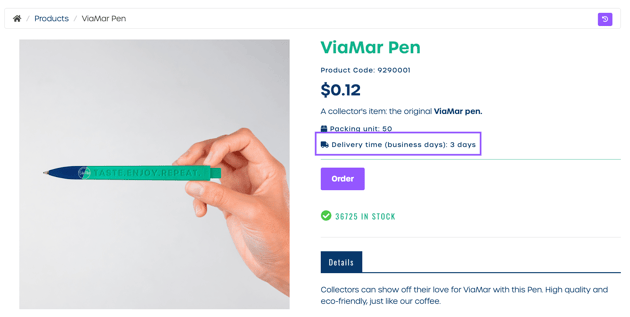
You can set a delivery time on a product level to inform users how many workdays it takes before their order is delivered. The delivery time appears on the product detail page once configured.
How to set a delivery time for your product
-
Navigate to "Marketing Shop" and then "Products".
-
Create a new product or open an existing product you want to edit.
-
Locate the Delivery module in the modules list.
If the module is not visible, select "Edit modules and activate the Delivery module for the product. -
Find the field Delivery time (in workdays).
-
Enter the number of workdays required for delivery.
The delivery time you enter will be shown on the product detail page for users.
Note: If you choose a supplier managed shipping type, delivery times are taken from the supplier configuration. In this case, you cannot set the delivery time on the product level.