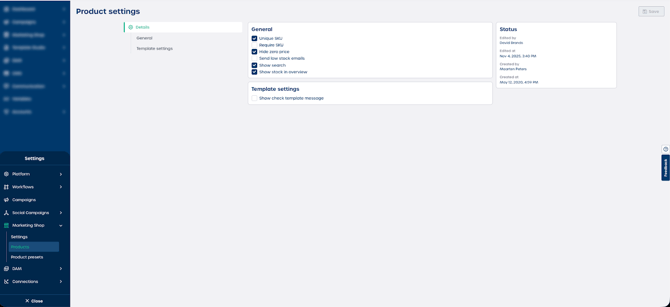
In some cases, it is important that every product has a unique SKU. This helps streamline product updates, reporting, and imports. Marvia allows you to enforce this rule so that admins must assign a unique SKU to each product.
How to require unique SKUs for all products
-
Navigate to "Settings" in the admin panel.
-
Select "Marketing Shop".
-
Go to the "Products" section.
-
Enable the option "Unique SKU".
-
Select "Save" to apply your changes.
Once enabled, every product must have a unique SKU. Admins will no longer be able to save or update a product without assigning a unique article number.