
You can bulk create products in Marvia by using the import function. This helps you add a large number of products quickly without having to create each one manually.
Tip: When you want to bulk upload products in the admin, you need to create an import file first.
How to add multiple products at once
You can add multiple products by importing a product list.
-
Navigate to "Marketing Shop" and then "Products".
-
In the product overview page, select "Actions" and then "Import".
-
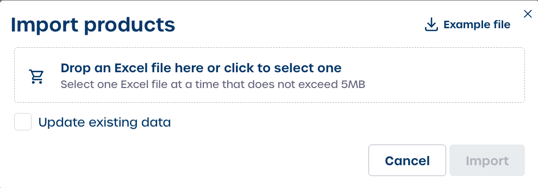
Upload your product import file.
This will create all products included in your upload file.
Note: You can import all product settings through the file, but you still need to add a thumbnail manually for each product after the import.