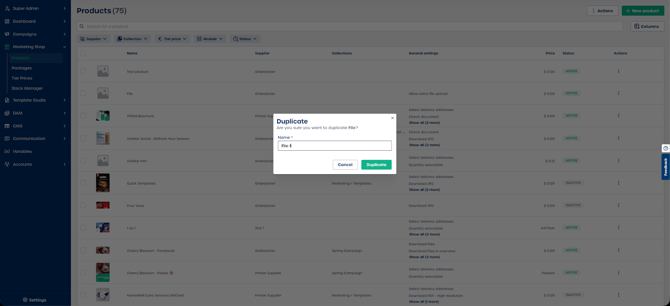
Duplicating a product is a quick way to create a new product with the same settings as an existing one.
How to duplicate a product
-
In the left side menu, navigate to "Marketing Shop" and select "Products".
-
Locate the product you want to duplicate.
-
Select the three dots next to the product or right-click the product row.
-
Select "Duplicate".
-
Edit the product name in the pop-up.
-
Select "Duplicate" again to create the new product.
Your duplicated product will appear in the product list with all settings copied from the original.